Adding Labels to conversations and messages
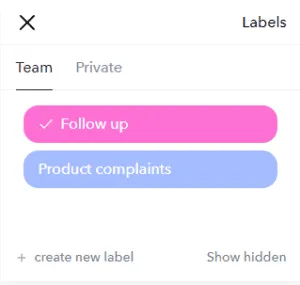
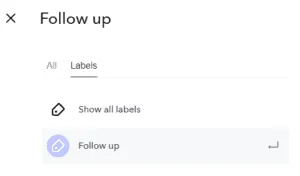
You can add one or more colored labels to any message or conversation. This allows you to mark conversations or messages that are important or need to be categorized. In the search function you can later find all conversations where any specific label is used. You can add labels to Conversations by doing the following;
- Mobile Hold/press any conversation in your inbox and then select "Label" from the menu that appears.
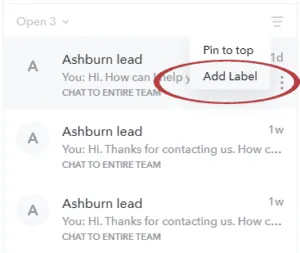
- Web app Hover above a conversation in your inbox. Click on the menu icon on the right side. Select "Add Label" from the list.
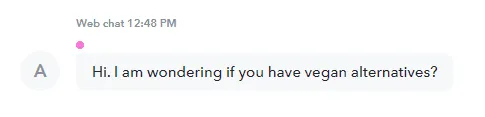
- Mobile Hold/press any message and then select "Label" from the menu that appears.
- Web app Hover above a message. Select "Label" from the list.