Facebook messenger
Allow customers to use Facebook messenger when communicating with your company. By connecting your Facebook page to Sonetel, your team can handle all incoming customer questions from different sources, in a single app - with the support of our Artificial Intelligence. Using this feature requires that you have Premium or the Business plan, starting from $9.95 per month. To connect Facebook messenger to Sonetel start the web app and click on the settings icon bottom left. Then go to Company Settings -> Customer Service - > Facebook. 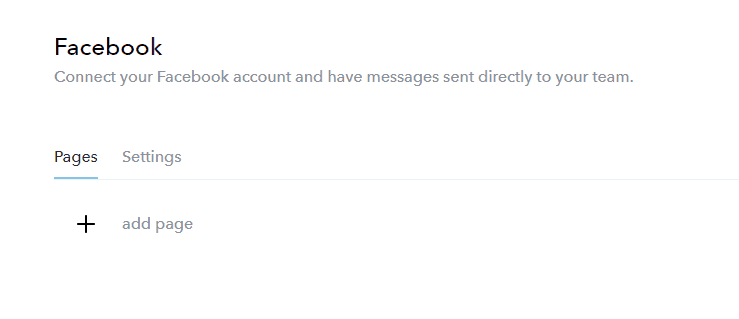
- Click + Click on the + button
- Authenticate yourself You will be asked to authenticate yourself at Facebook and allow us access.
- Select page(s) Select which of your Facebook pages that you want to connect to Sonetel.
Once you have added a Facebook page it will appear in the list. 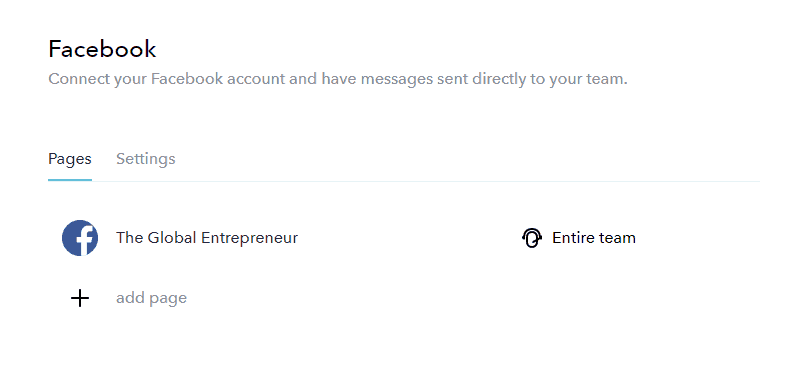
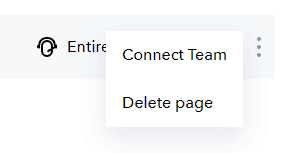
- Connect team By default - all questions are available to everyone in your company. You can select another Customer service team for handling questions coming via the page.
- Delete page Removes the connection between Sonetel and Facebook. Customer questions at your Facebook page will no longer reach Sonetel.
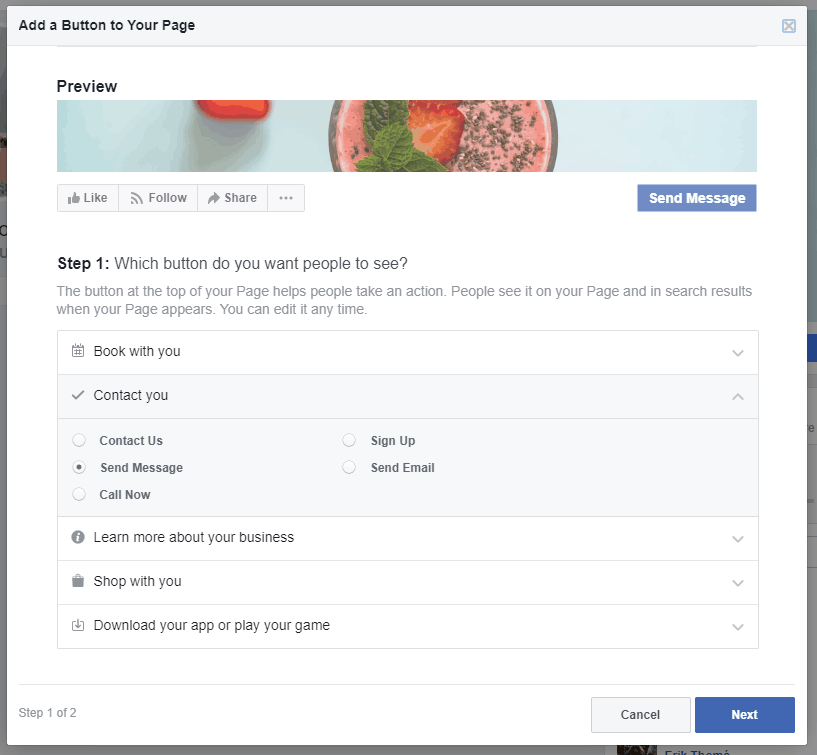
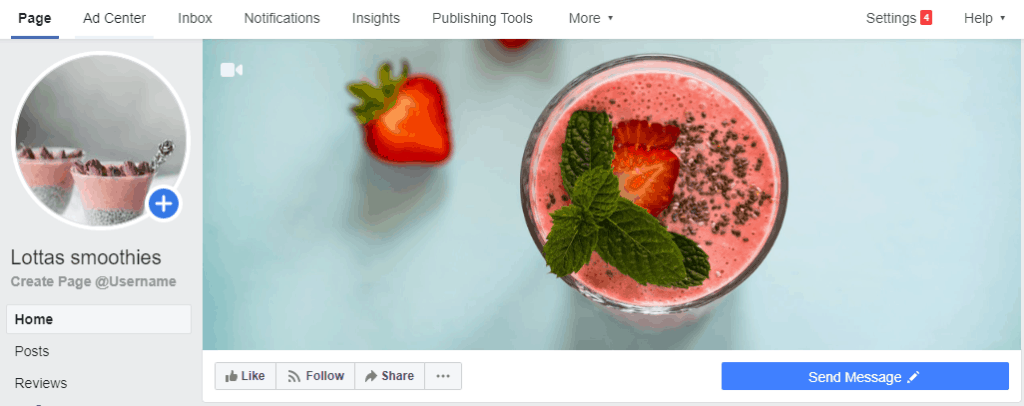
Add a Messenger button to your Facebook page If you do not already have a Messenger button at your Facebook page - allowing customers to ask you questions - then follow these steps.
- Go to your page Navigate to your Facebook page
- Add button Click on "+ Add a button"

- Select Messenger Select the option Contact you and Send message