Internal notes & escalations
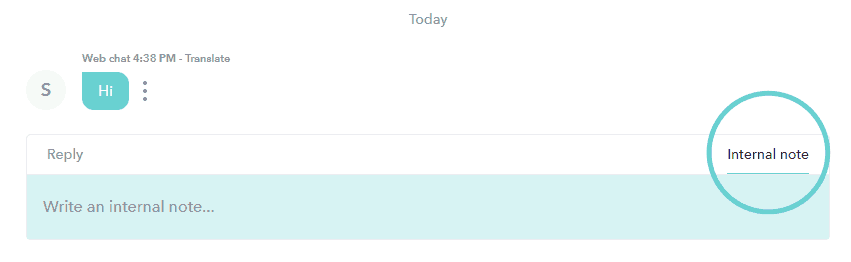
When handling Customer Conversations, it is possible to write internal notes that are invisible to the customer. By mentioning another user or Team by name in the note, you can additionally pull them into the Conversation and can have a dialogue with them - without the customer seeing it. In the mobile app, click on the Internal note icon to switch to writing an internal note. 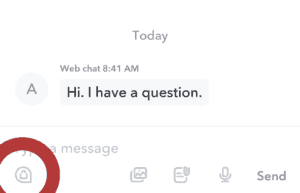
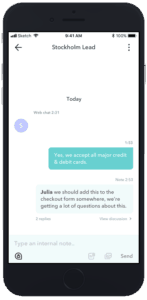
- Have an internal dialogue They can respond to the Internal note in a sub-discussion under the Internal note. This is visible only to you and other team members and not to the customer (see below).
- Start a new Conversation with the customer. Your Conversation with the customer is personal, so other Users cannot step into that one - but they can start a new Conversation with the customer. They do this simply by replying to the customer in your conversation.
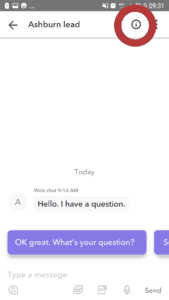
You can add as many Internal notes as you wish in each customer conversation. You can find them all in the conversation itself - by scrolling - and via the information icon available in each conversation.