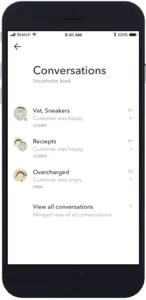
See information about the customer
When communicating with a customer or prospect, it is useful to get a "full picture" of that person. Have they been in contact with us before? What web pages did they visit? Where are they located? You can also update the customer profile with name and other details - and add personal notes. To access this information, click on the Information icon shown above the Conversation 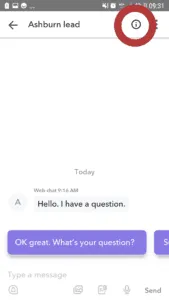
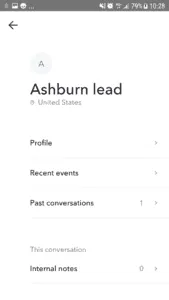
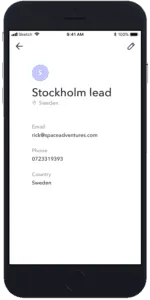
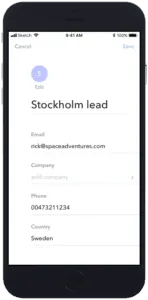
- Profile Allows you to add additional info about the customer, such as name, company, email etc.
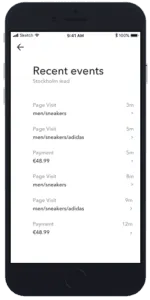
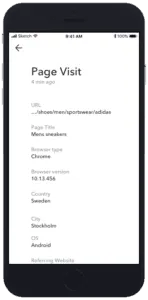
- Recent events Shows what pages the customer has visited at your web site (if they have used web chat) and other events.
- Past conversations Shows all Conversations the Customer has had earlier with anyone in your company.
- Internal notes Allows you to see all the internal notes in the conversation.
Profile The profile contains information about the location of the customer (based on their IP address when available) and all other information that has been gathered. You can add information - such as name email etc. - by clicking on the Edit symbol.