How the Team chat works
The Sonetel app provides your business with a team chat solution, with internal chat, group chat, internal calls and conference calls. The service is included in Premium and Business plans, starting at $9.95 per month and user. Different types of chat conversations:
- One-to-one conversations Private chat with other team members.
- Group chat Invite as many team members as you want - and others - to group conversations.


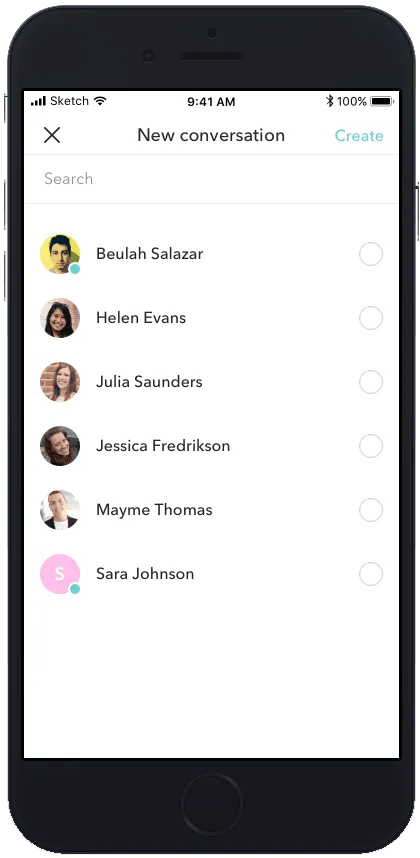
- Invite one or many Chat conversation can either be one-to-one or group conversations.
- Select from list All team members are available in a list. Select one or many that you want to add to the Conversation.
- Search Search on names of team members or email addresses or phone numbers.
- Invite external People outside the team can also be invited. Enter their mobile number or email address.
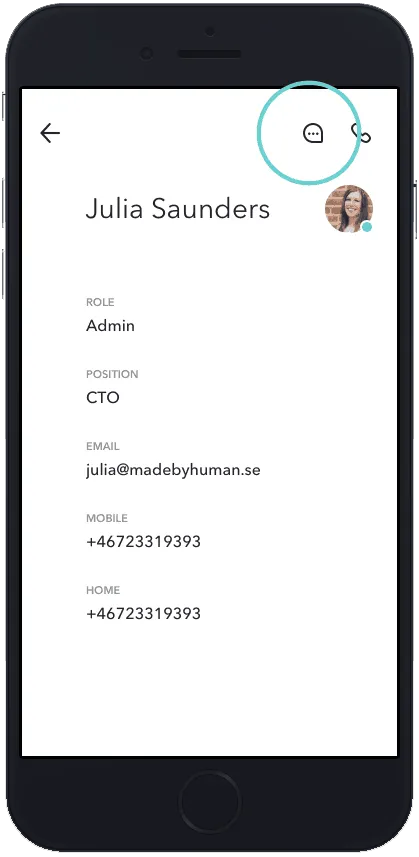
Start chat via the Team list You can also start chat with team members by clicking on the People icon. Then click on the Team member you want to chat with. 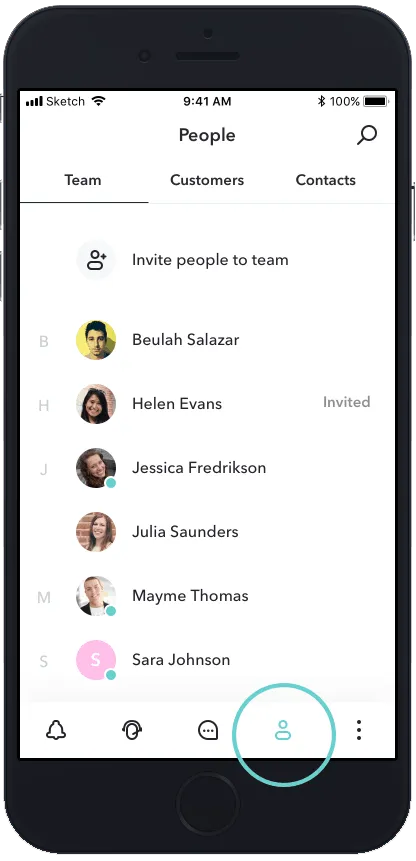
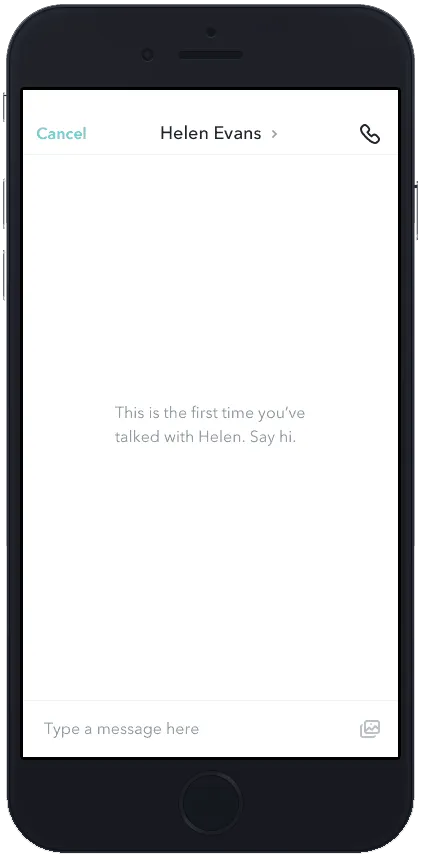
- Write an answer Type the answer in the text field at the bottom. Your response is added to the main conversation
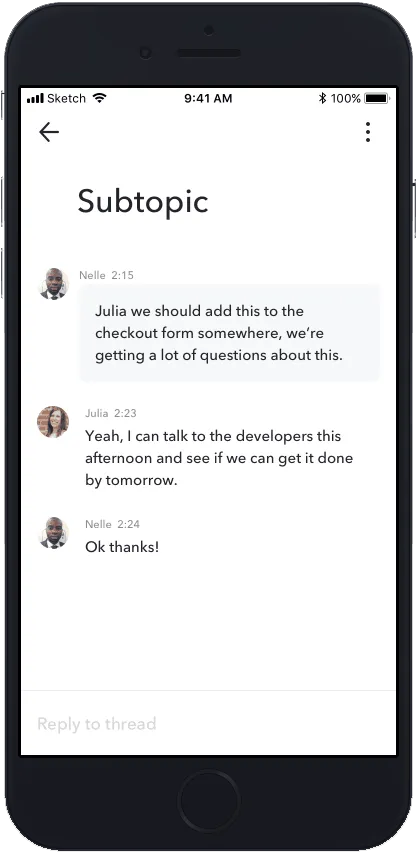
- Start a sub-topic By click holding a message (in mobile) or hovering on web app, you get the option to Reply to a message. Using this option starts a sub-topic - which is a separate conversation - "Under" the message you are replying to.We will notify you when someone creates a sub-topic from a message that you posted or replies to a sub-topic you have already posted in.