Add the Business Messenger to a Weebly website
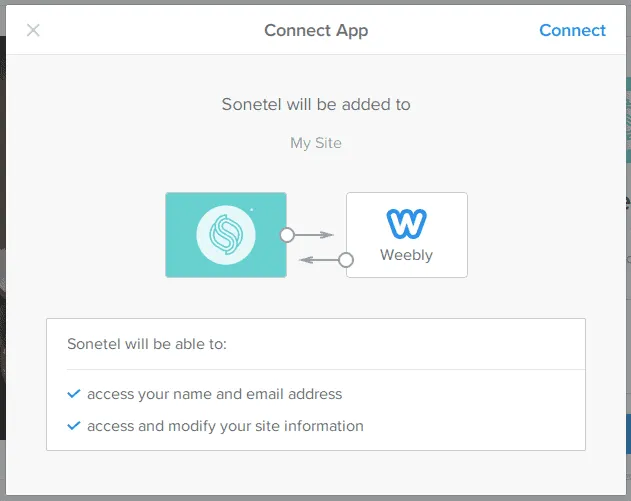
Follow these instructions to add theSonetel Business Messenger (a chat widget) to your Weebly site with just a few clicks. Customers will be able to ask questions to your team members via your Weebly website. 1. Sign into Weebly Sign-in to your Weebly dashboard and click on + Add App. 2. Install the Sonetel Business Messenger Search for Sonetel and install the app named Sonetel. 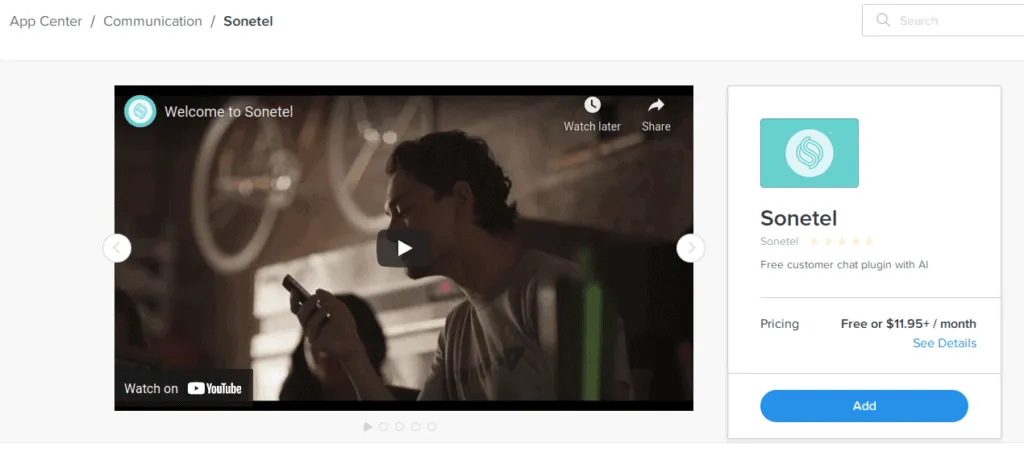 3. Connect your Sonetel account You will be asked to sign in to your Sonetel account to link it with Weebly. Once done, publish your website.