Record in-person meetings with a Samsung phone
If you want to record an in-person meeting with a Samsung phone, follow these steps.
- Search for the app Search for the app Voice Recorder in your Samsung phone and start it.

- Start recording Start the recording by clicking on the red button.
- Place the phone on the table Place your mobile on the meeting table.
- Stop the recording Press the Stop button.
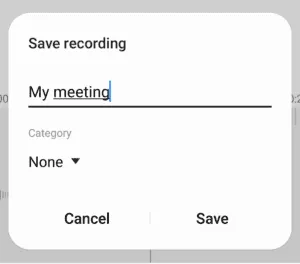
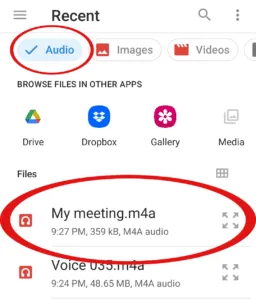
- Name recording Give the recording a name.