
Números de teléfono empresariales para emprendedores
Tenga su propio Número de Empresa en cualquier lugar. Desde 1,79 US$ al mes.
Prueba gratis★★★★4.3/5 en Trustpilot
Tenga un número de teléfono empresarial en cualquier lugar
Obtén tu propio número de teléfono en cualquier ciudad o país. Reenvía llamadas entrantes a tu móvil o cualquier teléfono en el mundo. Desde 1,79 US$ al mes.
Prueba gratis — Tenga un número de teléfono empresarial en cualquier lugar
Obtén un resumen de cada llamada
Obtén un resumen escrito de cada llamada de negocios que hagas o recibas, incluyendo un resumen breve, una lista de acuerdos alcanzados y un resumen de cada tema discutido. Disponible en los planes Premium y Business.
Más información — Obtén un resumen de cada llamada
Obtén feedback de cada llamada con clientes
El sistema analiza las llamadas de tus clientes y asigna una puntuación del 1 al 5 según qué tan bien las gestionaste. Recibe recomendaciones de mejora y análisis detallado. Disponible en los planes Premium y Business.
Más información — Obtén feedback de cada llamada con clientes
Obtén un borrador de correo de seguimiento
Después de completar una llamada, recibe un correo electrónico de seguimiento sugerido que puedes enviar a la persona con la que hablaste, destacando los acuerdos alcanzados durante la conversación. Disponible en los planes Premium y Business.
Más información — Obtén un borrador de correo de seguimiento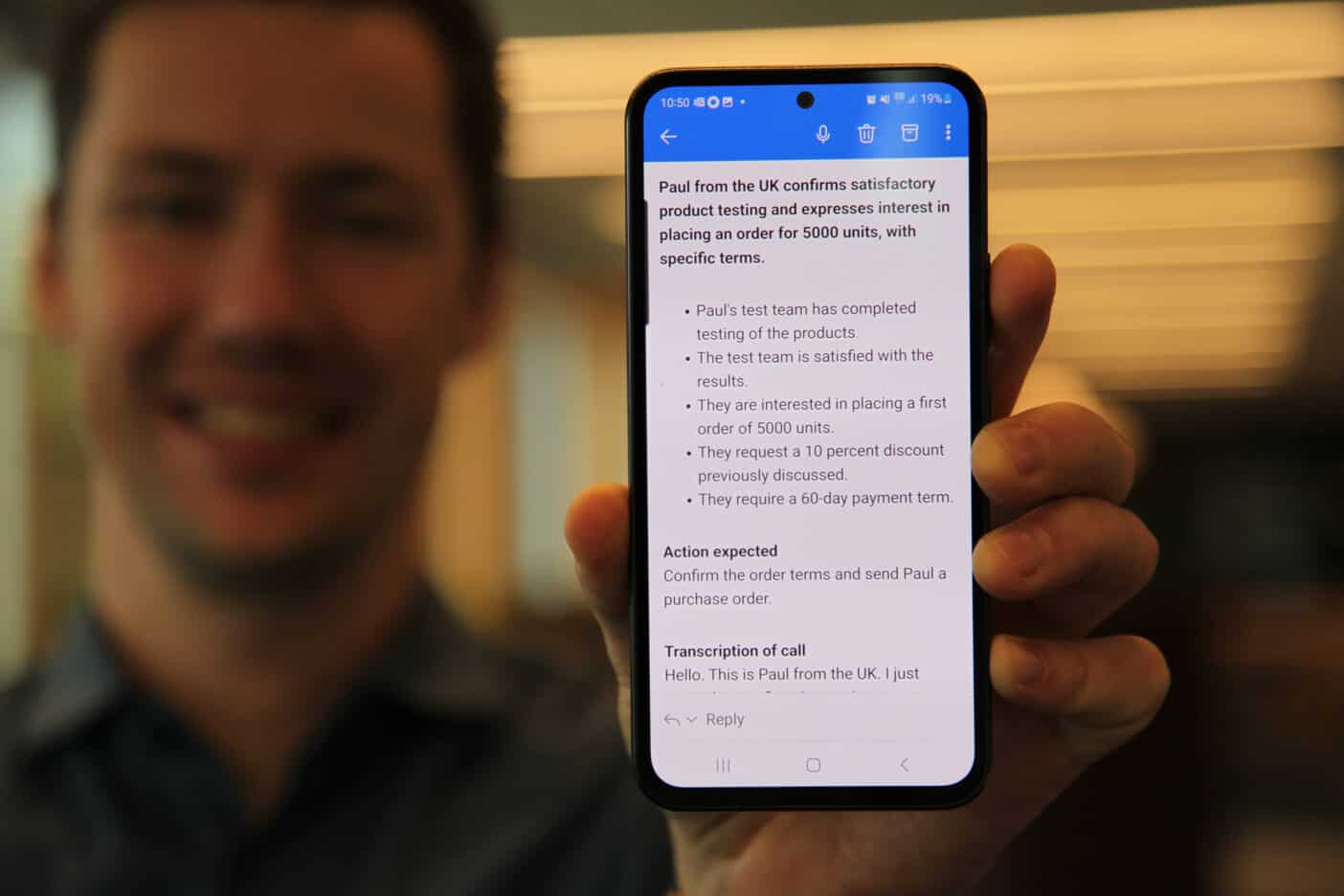
Recibe resúmenes de texto de buzón de voz
Los mensajes de voz se transcriben automáticamente a texto con un resumen. El idioma se detecta de forma automática. Disponible en los planes Premium y Business.
Prueba gratis — Recibe resúmenes de texto de buzón de voz
34.000+ clientes de pago en todo el mundo
Tenemos más de 34.000 empresas activas de pago en 170 países. Los servicios se lanzaron en 2009. La empresa cotiza públicamente en Nasdaq First North Growth Market en Estocolmo, Suecia.

Respuesta de voz
Atiende llamadas entrantes con un menú de voz profesional: "Para ventas, pulse 1; para soporte, pulse 2". Dirige a quien llama a la persona o equipo adecuado. Disponible en los planes Premium y Business.
Más información — Respuesta de voz
Realiza llamadas
Realiza llamadas salientes desde tus números empresariales usando la app de Sonetel o la aplicación web. Tu número empresarial se muestra como identificador de llamadas. Llamadas gratis a más de 40 países en planes de pago.
Prueba gratis — Realiza llamadas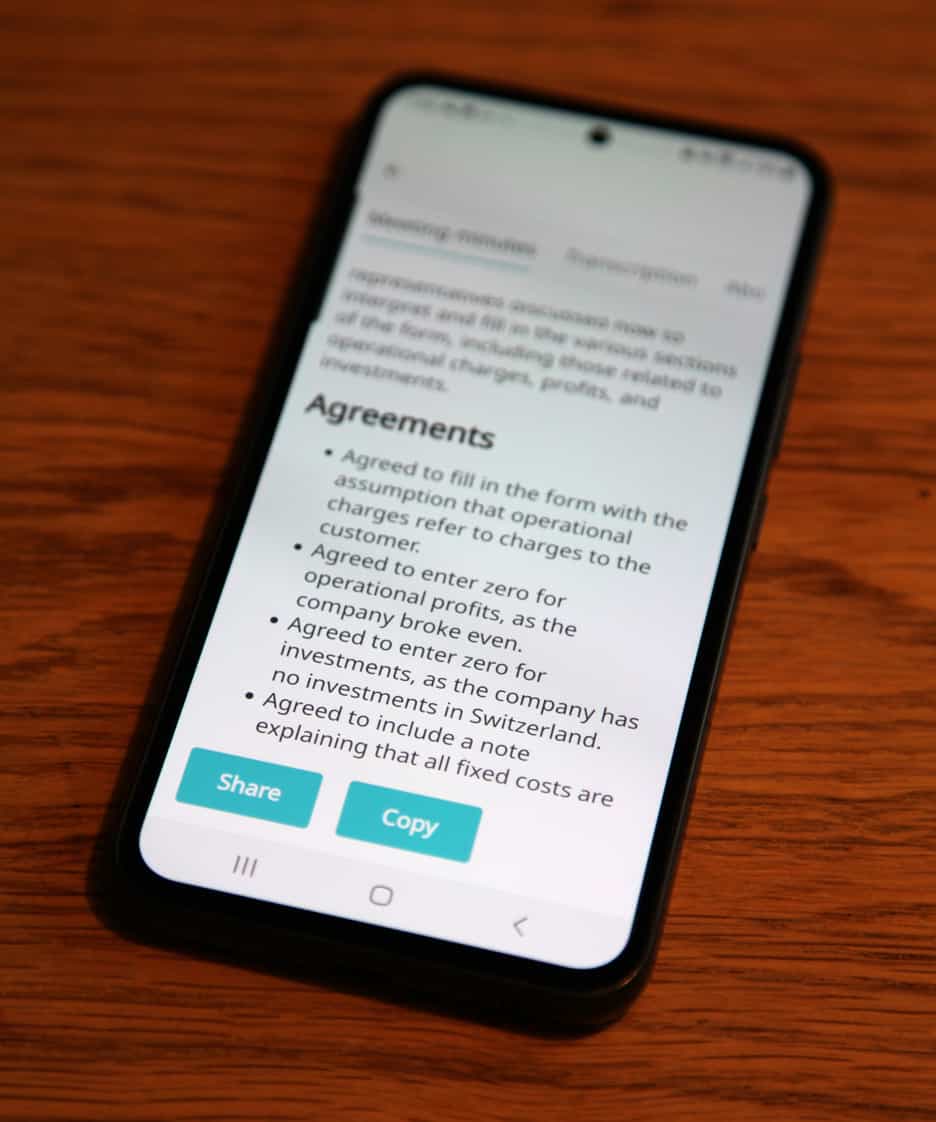
Otros servicios
SMS, resúmenes de reuniones, SIP trunking, Communications API, Cloud IVR: explora todas las herramientas disponibles para hacer crecer tu negocio.
Más información — Otros servicios